
Tag: #excel
9 articles
-
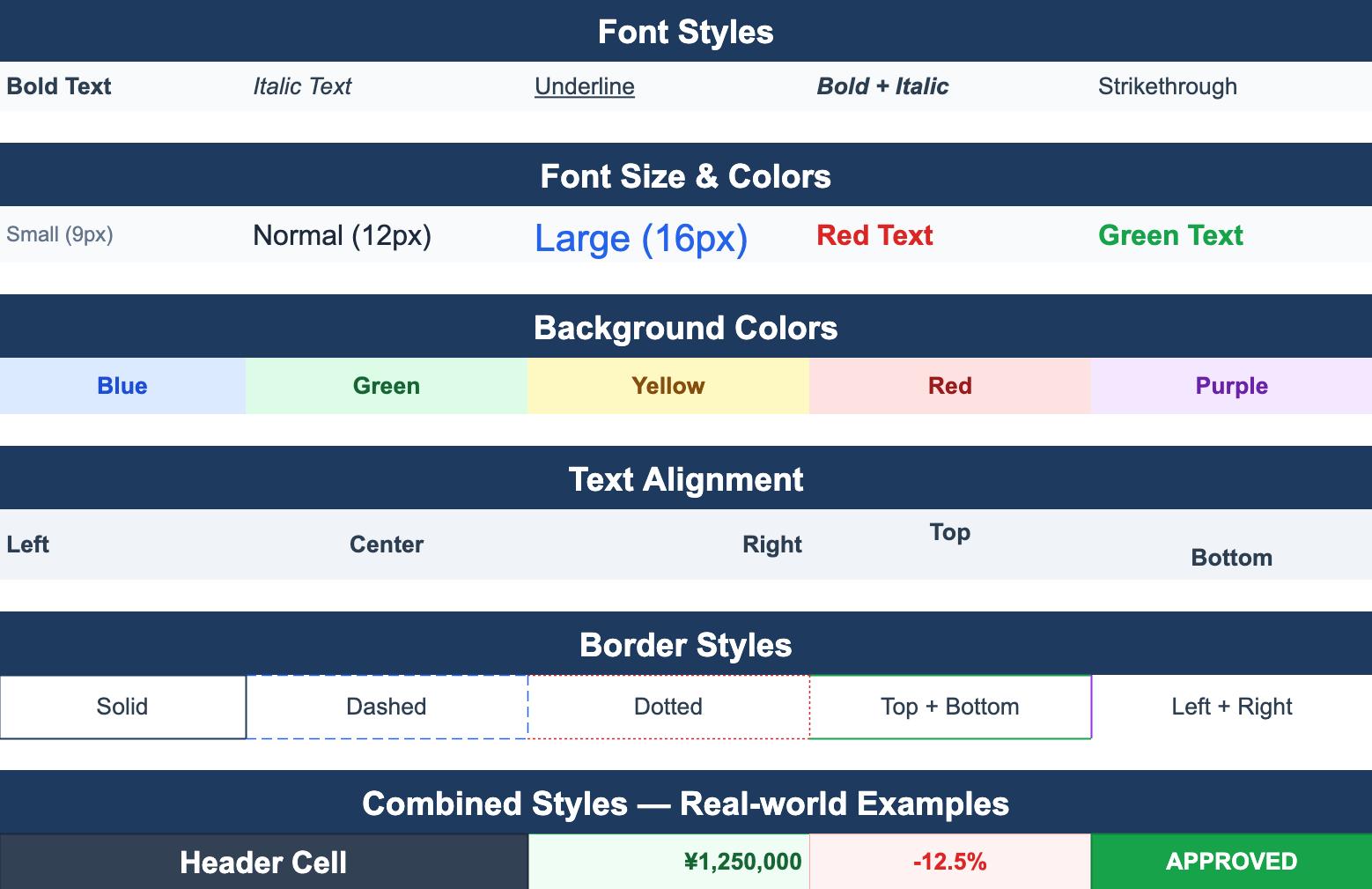
Pasting from Excel into a web app — what actually crosses the clipboard
Ctrl+V from Excel is the import nobody designs for, and it is the one users reach for first. What a spreadsheet actually puts on the clipboard, which parts of it survive the trip into ReoGrid Web, the two values that arrive looking wrong, and the cleanup pass that fixes them.
-

From Excel to your app: extract structured data from xlsx as JSON
A practical pattern for turning user-uploaded Excel files into clean JSON your app can use — header detection, type coercion, multiple sheets, and posting straight to an API or database.
-
Convert XLSX to JSON in the browser — no server, no upload
Turn an .xlsx file into JSON entirely client-side: lossless ReoGrid JSON for round-tripping, or plain data rows for your app. Practical code, files never leave the browser.
-
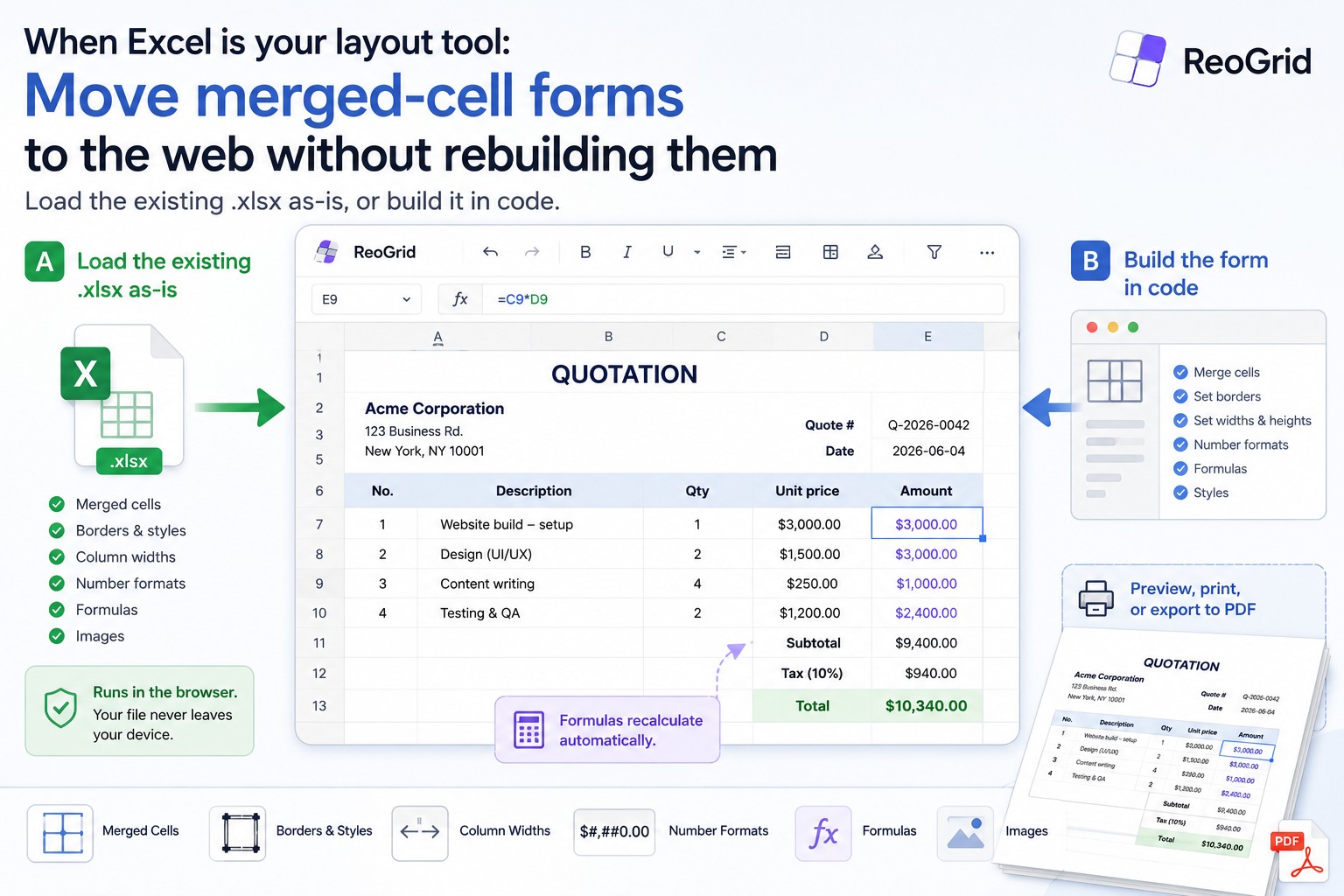
When Excel is your layout tool: move merged-cell forms to the web without rebuilding them
A lot of business 'spreadsheets' are really forms — merged cells, borders, fixed column widths, embedded formulas. Two practical ways to bring them to the web with ReoGrid Web: load the existing .xlsx as-is, or rebuild it in code. With working examples.
-
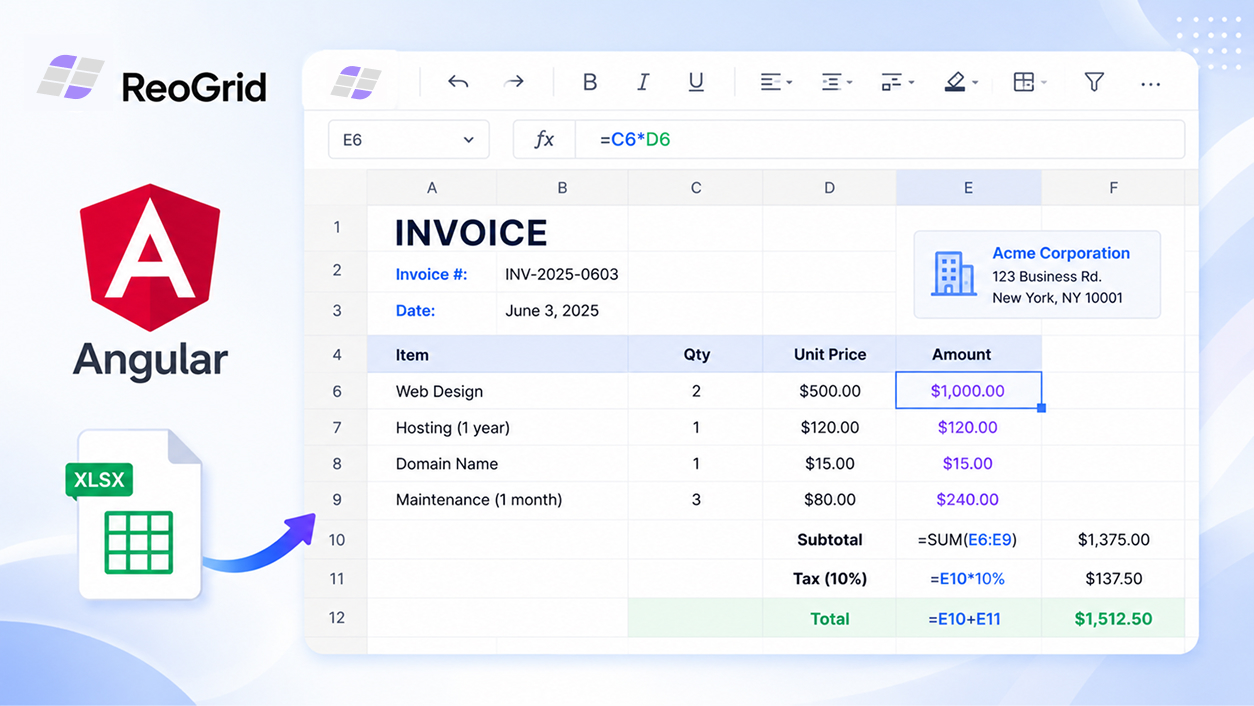
Using ReoGrid in Angular — an Excel-like spreadsheet, no wrapper needed
ReoGrid Web ships React and Vue wrappers, but the core is framework-agnostic. Here's how to drop a canvas-based, Excel-like spreadsheet into an Angular app in about 30 lines — with editing, formulas, and xlsx import.
-
Reading and writing Excel files in JavaScript — import, export, and JSON
How to load .xlsx files into the browser, export a grid back to Excel, and convert between xlsx and JSON — all client-side, with styles and formats preserved. Practical code with ReoGrid Web.
-

Build an online XLSX viewer in React — files never leave the browser
Most 'XLSX viewer online' tools upload your spreadsheet to a server you don't control. Here is a complete React component that opens .xlsx files entirely in the browser — read-only, with styles, merges, and formulas preserved. No upload, no backend, no account.
-
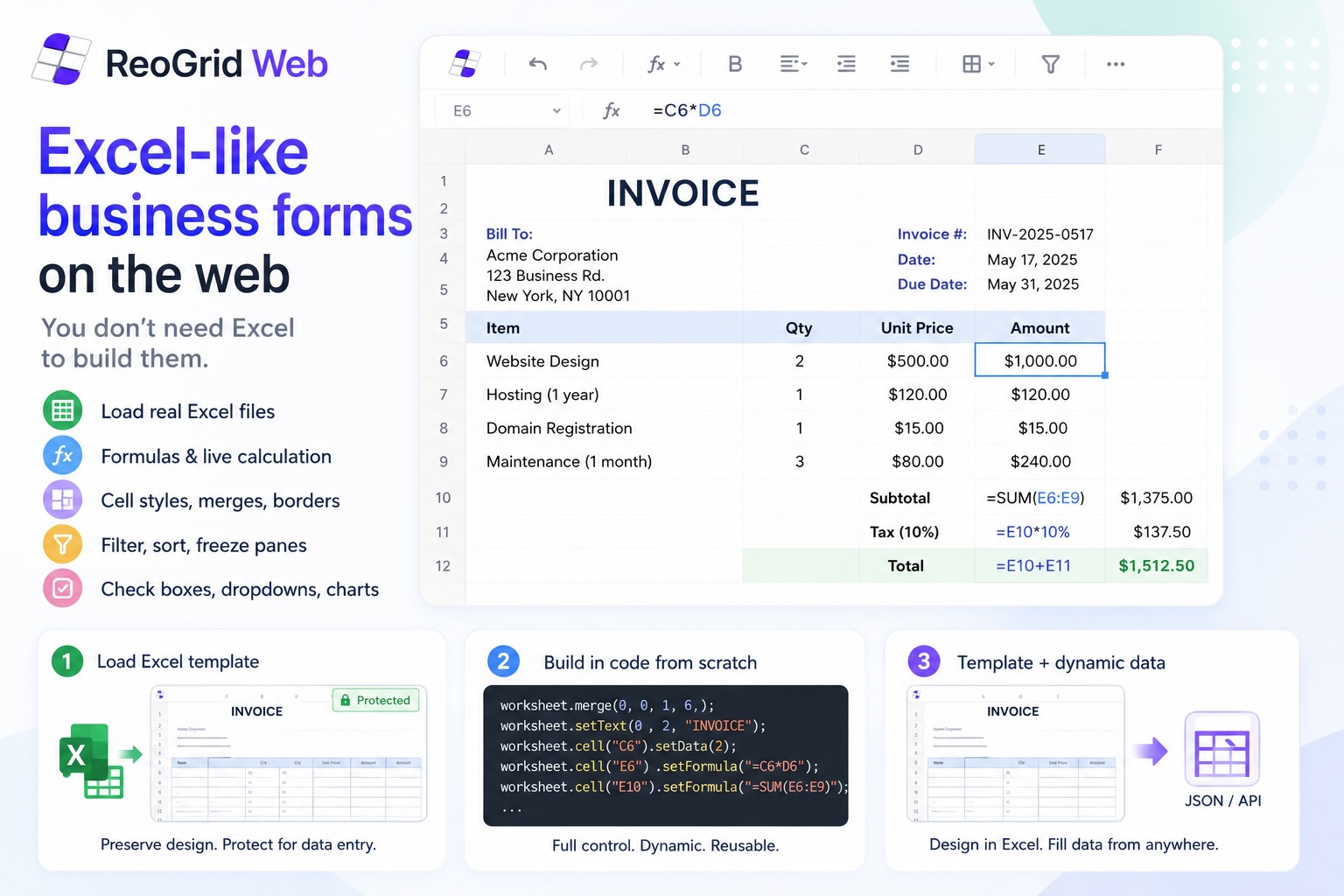
Excel-like business forms on the web — you don't need Excel to build them
Most developers don't realise the browser can load, display, and edit real Excel files without a server — and that the same spreadsheet component can build invoice-quality forms from scratch, or blend both. Here's how ReoGrid Web makes it possible.
-
Importing real Excel files in the browser — no upload, no server
Drag an .xlsx file onto a web page, render it in a spreadsheet UI with cell styles, merges, borders, freeze panes, and formulas preserved. No backend, no SheetJS, no progress modals — and it loads a 440k-cell file in 3.7 seconds.