
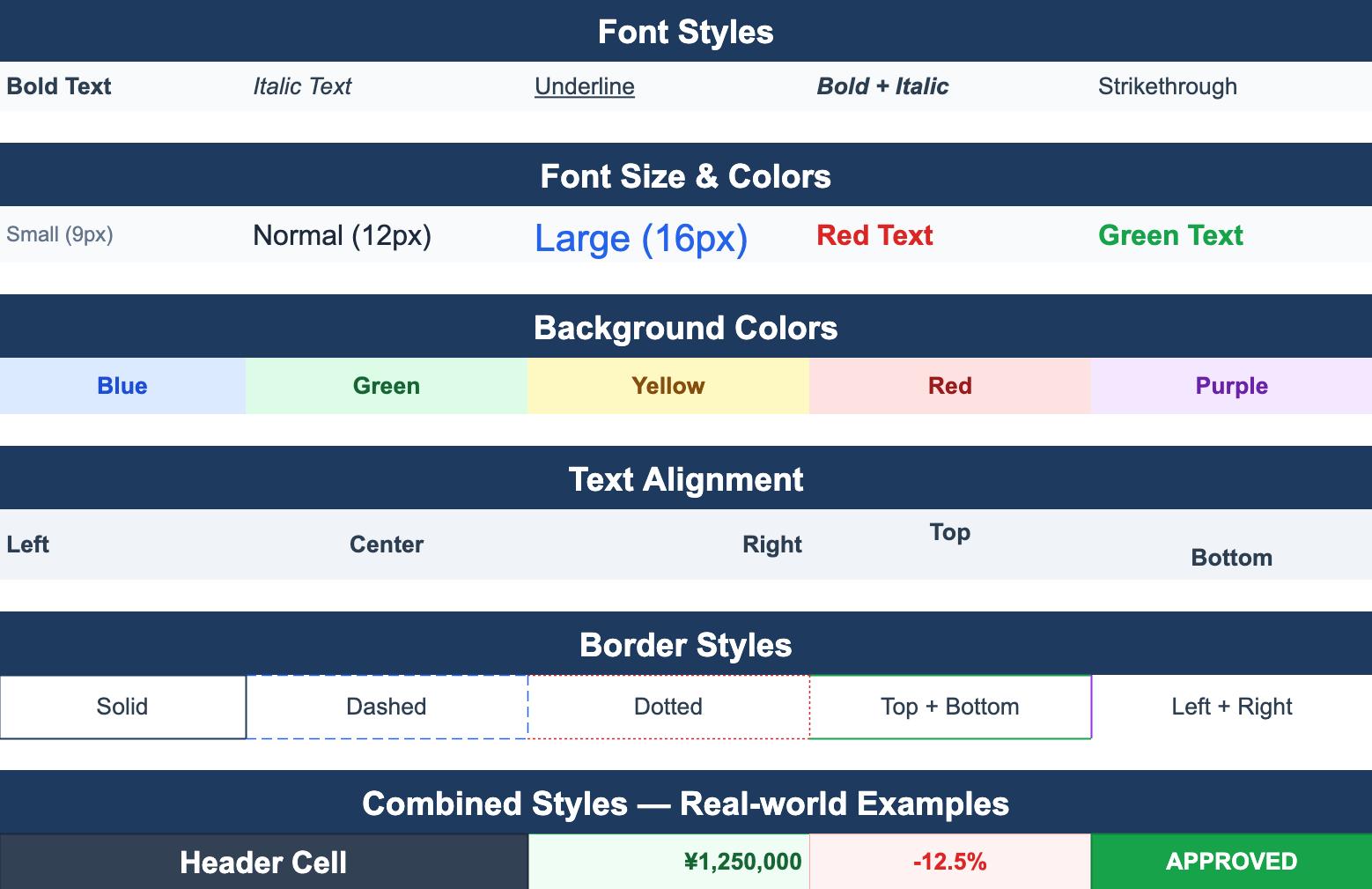
ReoGrid started life as a .NET spreadsheet control for WinForms and WPF, and it’s been embedded in desktop business apps for years. ReoGrid Web is the same idea for the browser: a canvas-based, Excel-like spreadsheet for React, Vue, and vanilla JavaScript.
If your team is moving a desktop tool to the web — or building a web companion to an existing .NET app — this is the good news: the mental model is the same. You already know how ReoGrid thinks. This post maps what you know onto the Web edition.
Looking for the .NET edition itself? It lives at reogrid.net. This article is about the JavaScript/Web edition.
What carries over
The whole spreadsheet model is shared:
- Cells, ranges, rows, and columns as the core addressing model.
- Per-cell styles — font, color, background, alignment.
- Merged cells, borders, number formats.
- Formulas with a dependency graph that recalculates on edit.
- xlsx import/export with high fidelity — styles, merges, and formats survive the round-trip.
- Excel-like editing UX — in-cell editing, selection, fill, undo/redo.
If you built invoices, reports, or configurable forms with ReoGrid on the desktop, the same patterns build them on the web.
What changes
The platform, naturally — and with it the API style:
| Aspect | ReoGrid .NET (WinForms/WPF) | ReoGrid Web |
|---|---|---|
| Language | C# / VB.NET | TypeScript / JavaScript |
| Rendering | GDI+ / WPF | HTML <canvas> |
| Distribution | NuGet | npm (@reogrid/lite, @reogrid/pro) |
| API shape | Properties & indexers (sheet["A1"] = …) | Fluent handles (worksheet.cell('A1').setValue(…)) |
| UI host | A Control on a Form/Window | A <div> the grid mounts onto |
| Frameworks | WinForms, WPF | React, Vue, vanilla JS |
The biggest day-to-day difference is the API ergonomics. The .NET edition leans on properties and indexers; the Web edition uses a fluent handle API where every operation returns a handle you can chain.
The same task, both editions
Here’s the conceptual mapping for a few common operations. (The .NET snippets are illustrative — check the .NET docs for exact signatures; the Web snippets are exact.)
Set a cell value and style
// ReoGrid .NET (conceptual)
var sheet = reoGridControl.CurrentWorksheet;
sheet["A1"] = "Product";
sheet.Cells["A1"].Style.Bold = true;
// ReoGrid Web
const { worksheet } = createReogrid('#grid');
worksheet.cell('A1').setValue('Product').setStyle({ bold: true });Merge a range
sheet.MergeRange("A1:D1"); // .NET (conceptual)worksheet.range('A1:D1').merge(); // WebA formula
sheet["D2"] = "=B2*C2"; // .NET (conceptual)worksheet.setCellInput(1, 3, '=B2*C2'); // Web — 0-based coordinates(In the Web edition, worksheet.cell('D2').setValue('=B2*C2') works just as well — both setValue and setCellInput accept formula strings; setCellInput(row, col, ...) is simply the 0-based coordinate form.)
Load and save xlsx
reoGridControl.Load("report.xlsx");                 // .NET (conceptual)
reoGridControl.Save("out.xlsx");
await grid.loadFromUrl('/report.xlsx'); // Web
worksheet.saveAsXlsx({ filename: 'out.xlsx' }); // Web (Pro)The shape differs; the concept is identical. If you can build it in ReoGrid .NET, you can build it in ReoGrid Web.
The xlsx bridge: let the two editions talk
You don’t have to choose one or the other. xlsx is the interchange format between them. A .NET desktop app can export an .xlsx; a web app built on ReoGrid Web can loadFromFile/loadFromUrl it, render it faithfully, let the user edit, and saveAsXlsx it back — and a .NET app can reopen the result. Same file, same fidelity, both ends.
That makes incremental migration realistic: keep the desktop app, add a web view that reads the same files, and move functionality over at your own pace.
Getting started on the web
npm install @reogrid/lite      # free tier
# or
npm install @reogrid/pro       # formulas, sort/filter, freeze, xlsx export
import { createReogrid } from '@reogrid/lite';
const { worksheet } = createReogrid('#grid');
worksheet.cell('A1').setValue('Hello from the web').setStyle({ bold: true });From there:
- Getting started — React, Vue, and vanilla setup.
- Using Angular? See ReoGrid in Angular — the core API drops straight into a component.
- Live demos — invoices, quotations, big-data, conditional formatting.
- Just need to view files? The free online XLSX viewer is the Web edition in action.
Same spreadsheet you know — now running in a browser tab.